
What VINELink Covers in Green County
Green County takes part in Wisconsin's county-jail VINE system. The county's Victim Information page lists 888-944-8463, and Wisconsin DOC describes VINE County Jails as a partnership with local law enforcement. Jail-management data drives the status updates and notification events.
VINE covers county custody through that link. It is not WCCA, the state DOC offender locator, a federal BOP search, or an ICE lookup. A person moved into another system needs that custodian's own locator. Green County Jail also answers direct status questions at 608-328-9598.
The county VINE source displays the statewide contact.
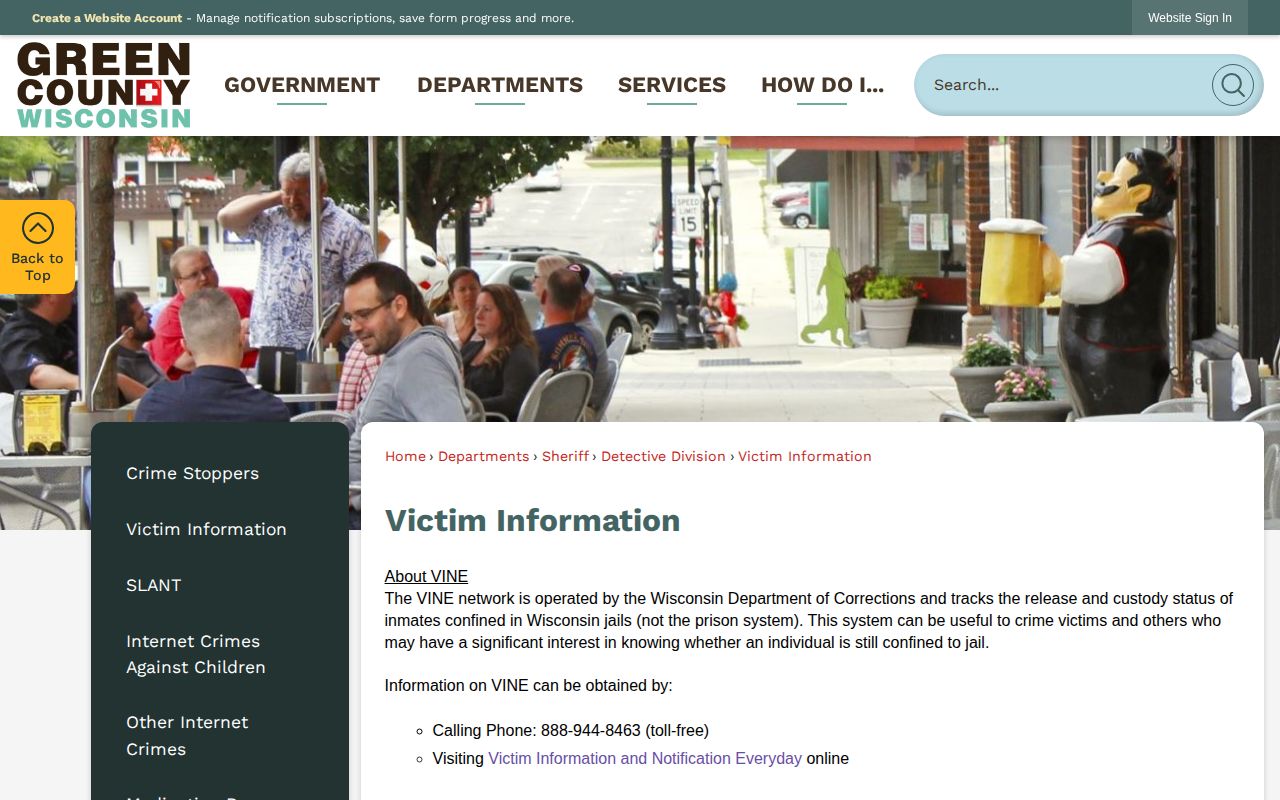
VINE is the official route, not a photo feed.
How to Check a Green County Arrest on VINELink
Use the current interface labels because search fields can change.
- Open VINELink Wisconsin.
- Choose Search and Register, then Wisconsin and Green County or the jail when offered.
- Enter the full last name and at least a first initial, or use an offender ID when known.
- Compare all available identifiers before opening a result.
- Read the facility and status, then confirm a fresh or unclear result with the jail.
Shared names cause most mix-ups. Never assume a match from a name alone. Compare age or birth details, ID, facility, and the known arrest date when the screen shows them. The Green County arrest record overview explains how to get the underlying booking record, and the live Wisconsin entry screen shows the current search controls.
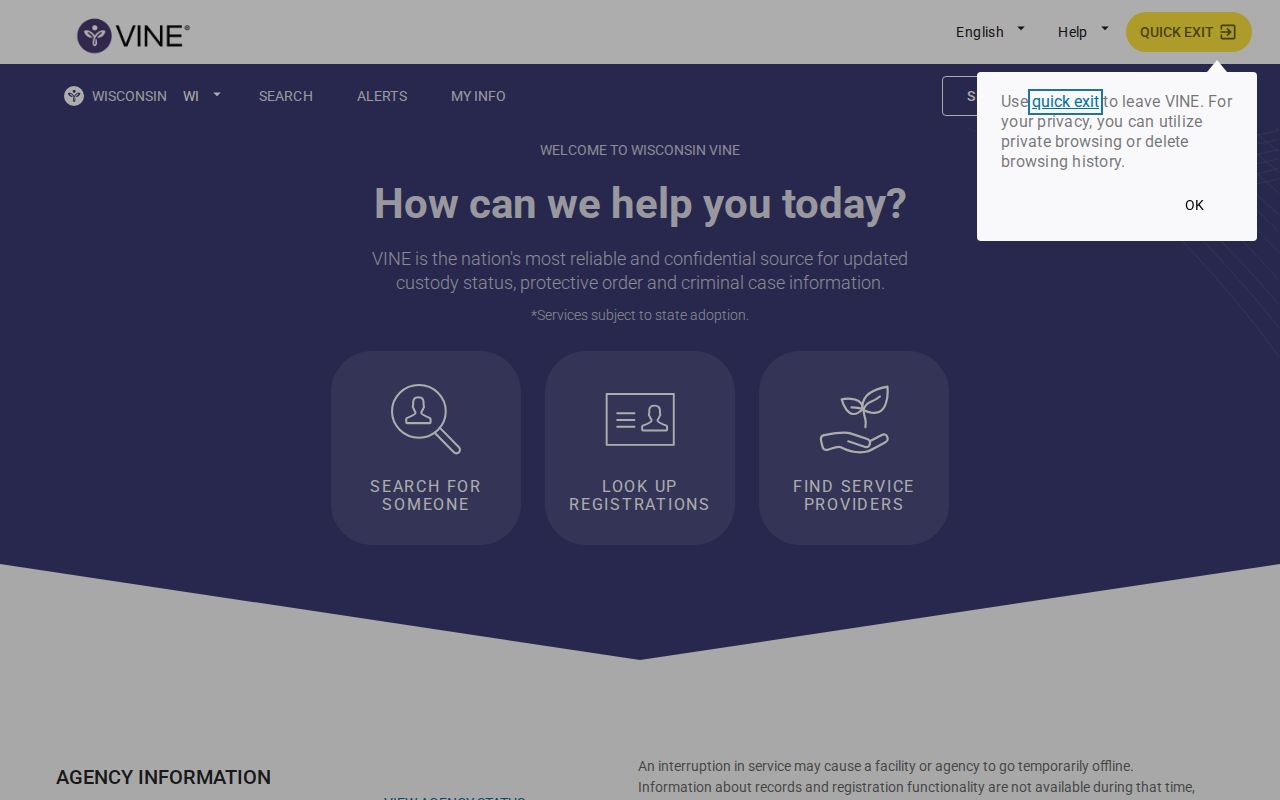
This neutral screen should be used without capturing or republishing a person’s photo.
What VINELink Shows After an Arrest
A result is a custody and notification record. Exact labels depend on the live system.
| Possible result | Meaning |
|---|---|
| Name or offender ID | Helps distinguish similar matches |
| Custody status | Status reported through the county connection |
| Facility | Reported holding agency or location |
| Release or transfer | A status event that may trigger notice |
| Registration option | Route to alerts for the selected record |
A blank result has many causes. Spelling errors, processing delays, release, or transfer can hide a booking. The system's scope matters too. The Sheriff News Flash may still document the incident, and WCCA may later carry the court case.
How to Register for Custody Alerts
Find the right person first, since the search itself works without a registered alert.
- Open the verified record and choose the registration option.
- Select the custody event offered by the live interface.
- Enter a telephone number, email address, or text channel where available.
- Create or enter the four-digit PIN or current verification step.
- Save the confirmation details and follow the live prompt to manage notices.
State pages disagree on repeat phone calls. One DOC page says 48 hours or until the correct PIN is entered, while another victim-services description has used 24 hours. The live screen and voice prompt control. The registration entry redirects to the current alert flow.
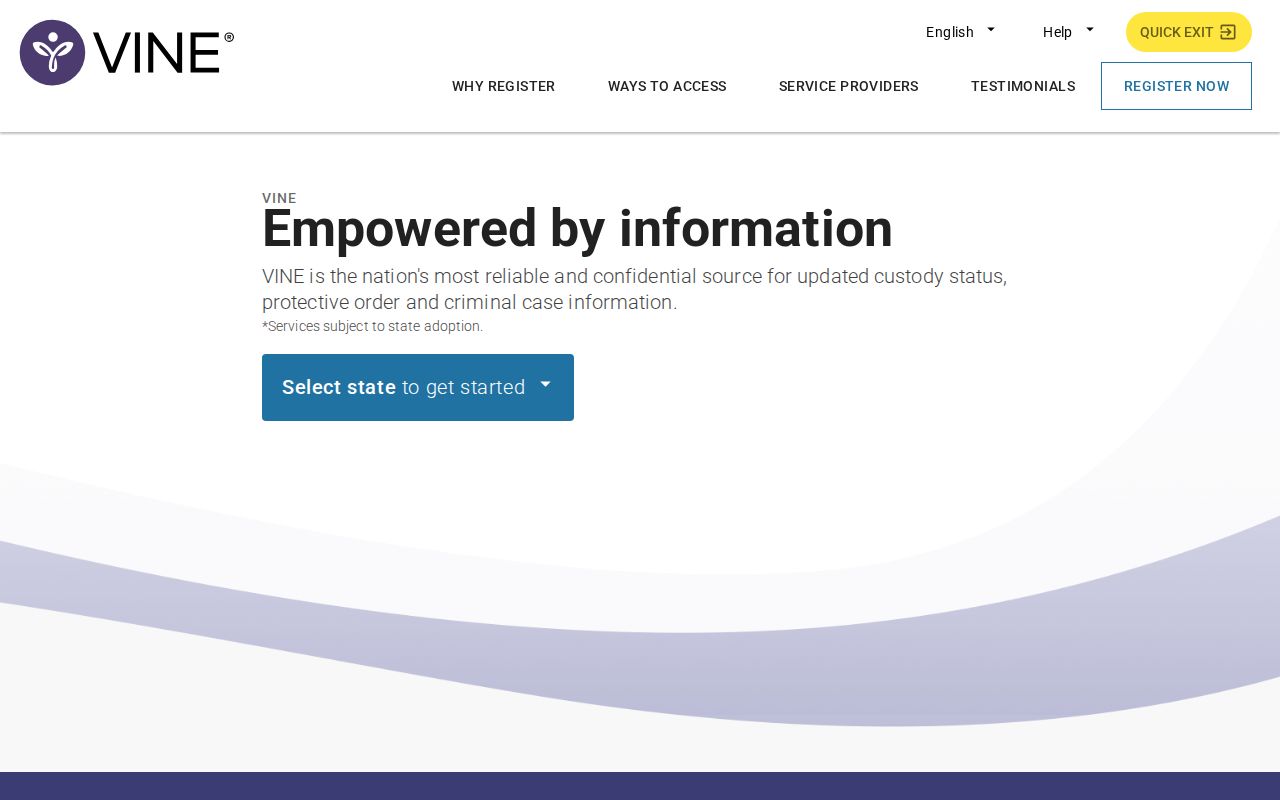
The captured interface illustrates the separate step used to receive custody-change notices.
VINELink Limits and How to Confirm
VINE only knows what the jail feeds it. A person still being processed may lag. Someone being fingerprinted, photographed, or newly entered into the system may not appear at once, and Green County's annual report puts an average booking at about 90 minutes. Confirm a time-sensitive blank result through the jail and the Arrests Last 24 Hours path.
Use Wisconsin DOC for a state sentence. BOP covers federal incarceration, and ICE handles immigration detention. WCCA shows charges filed in court along with their disposition. For a Green County booking sheet, submit a Sheriff records request.
Green County VINE Languages
The state description offers English, Spanish, and Hmong service. More help may appear in the interface. Registration exists for custody notification and safety. It is no substitute for a social-media alert or a full Sheriff booking stream, and Green County lists no official jail app. Sheriff social accounts and Brodhead Nixle links are general communication tools, not VINE alerts tied to a specific custody record.
Search Public Records
Sponsored Results
When Green County Custody Changes
A release or transfer alert is a prompt to verify, not a case story. People leave Green County Jail for many reasons. Bond, a court order, a transfer, a state sentence, or federal custody can all end a stay there. Follow the destination shown by the official source. Keep your registration details private. If a notice seems off, call the jail rather than trusting an old email or screenshot. VINE matters here because Green County publishes no public current-inmate roster. Read it alongside the Sheriff record and WCCA.
Green County Alert Verification
Save the record identifier when the system gives one. If two results look plausible, hold off on registering. Compare the facility, the known arrest date, and lawful identifying details, then call the jail for help. A mistaken alert causes needless alarm.
Notifications can also arrive after a source article has gone stale. Check the event time first. For safety, follow law enforcement or victim services. VINE informs and notifies. It replaces no emergency call, protective order, legal advice, or direct contact with the responsible agency.
The Green County victim-information page and the Wisconsin DOC VINE page remain the controlling public descriptions. Wording and delivery channels change, so use the current screen, voice prompt, and help system rather than an old tutorial.